Level Up Your Designs with This Editable Game Text Effect
There's a specific energy that comes with a well-executed game title. It's bold, dynamic, and immediately sets the tone for an entire experience. For designers, capturing that same level of visual impact in branding, marketing, or creative projects can be a significant challenge. Creating complex, stylistic text from scratch is time-consuming, and finding the right premium font that conveys action and excitement often feels like searching for a needle in a haystack. This is where a versatile design asset like the Game Theme Editable Text Effect becomes a practical tool in your creative arsenal, offering a shortcut to high-impact typography without the steep learning curve.
More Than Just a Font: Understanding the Vector Text Style
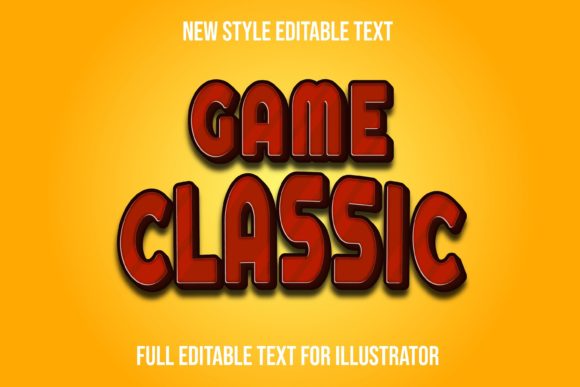
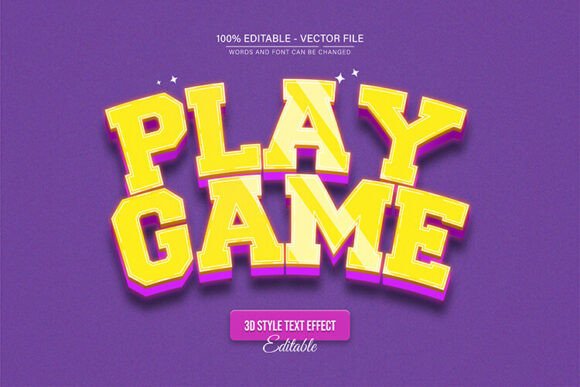
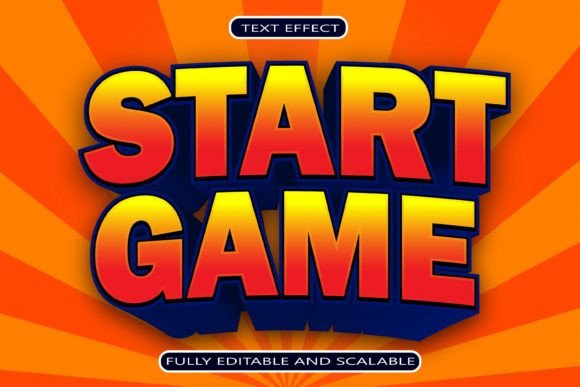
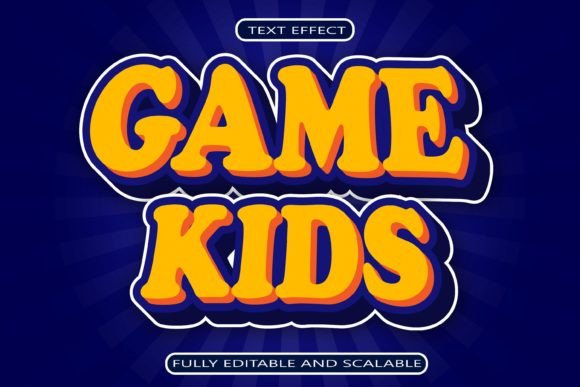
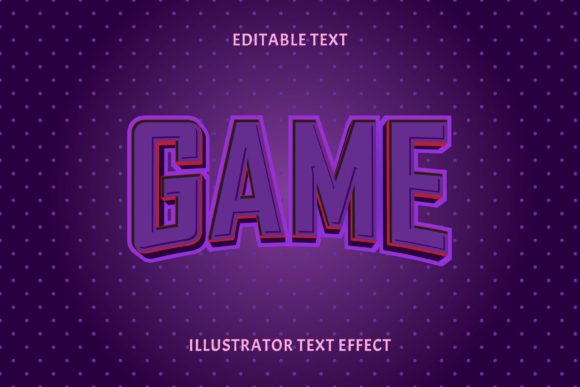
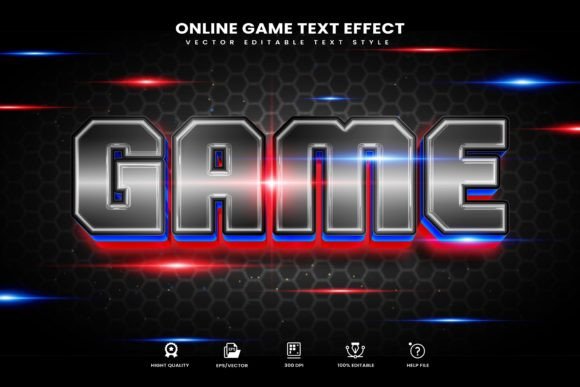
First, it's important to clarify what this item is and isn't. The Game Theme Editable Text Effect is a collection of vector text style effects, not a traditional typeface. Think of it as a set of pre-designed graphic treatments you can instantly apply to any text or shape within Adobe Illustrator. Its core appeal lies in its simplicity and flexibility. With just one click in the Graphic Styles menu, you can transform plain letters into a stylized, game-inspired masterpiece. The entire collection is 100% editable vector, meaning you can scale it to any size without losing quality, change colors, and modify the underlying paths to suit your exact needs.
The included files are designed for a seamless workflow. You receive the essential EPS and AI files for Illustrator, a JPEG preview, a PDF manual, and a text file with font download links. This thoughtful organization means you spend less time figuring out the asset and more time creating with it. It’s built for Adobe Illustrator CC or above, ensuring compatibility with current design workflows.
Practical Applications Across Creative and Commercial Projects
The true value of a versatile design asset is measured by its real-world utility. This game text effect is surprisingly adaptable. Its bold, graphic nature makes it a standout choice for projects that need to grab attention quickly. Consider using it for:
- Brand Identity & Logo Design: For a startup in the tech, entertainment, or youth-focused space, a stylized wordmark using this effect can communicate innovation and energy. It helps build immediate brand recognition through a unique and memorable visual signature.
- Packaging & Merchandise: Products on a crowded shelf or online store need to pop. Apply the effect to product titles on packaging, or use it to create striking graphics for t-shirts, hats, and posters. It translates exceptionally well to print materials.
- Digital Marketing & Social Media: In the fast-scrolling environment of social media, a visually consistent and engaging feed is crucial. Use this effect to create cohesive templates for Instagram stories, YouTube thumbnails, Facebook ads, or podcast artwork. It helps maintain a professional presentation that boosts audience engagement.
- Events & Editorial Design: Design eye-catching posters for gaming tournaments, tech conferences, or themed parties. It can also add a dynamic flair to magazine covers, chapter headings in editorial layouts, or promotional materials for digital products like e-books or online courses.
Integrating Stylized Typography into Your Design Strategy
While a powerful text effect is a fantastic tool, using it effectively requires some strategic thinking. The goal is to enhance your message, not overshadow it. Here’s some practical advice for making the most of this style:
Choose the Right Moment. A highly stylized display font like this is perfect for headlines, titles, and short, impactful phrases. It’s generally not suited for body copy where readability over long paragraphs is the priority. Use it to draw the eye and then pair it with a clean, legible sans serif or serif font for supporting text. This contrast creates a professional and balanced hierarchy.
Match the Mood. The game theme effect has a distinct personality—likely bold, angular, or futuristic. Before applying it, ask if it aligns with your project's goals. Is your brand playful, aggressive, tech-forward, or adventurous? The typography should be a visual extension of that core identity. Testing a few different text styles from the collection on mockups can help you find the perfect match.
Test and Refine. Always test your typography in context. How does the styled text look on a busy background? Does it remain readable at a small size on a mobile screen? Use the editability of the vector file to adjust letter spacing (tracking) or line height (leading) to improve clarity. The help documentation included with the asset can guide you through these finer adjustments.
Building a Cohesive and Professional Visual Language
Ultimately, incorporating a tool like the Game Theme Editable Text Effect is about building a stronger, more consistent visual language for your project or brand. Consistency breeds recognition. When your audience sees the same distinctive typographic style across your website, social media graphics, and marketing materials, it reinforces your brand identity and makes you more memorable.
This asset helps bridge the gap between a creative idea and a polished, professional execution. It saves valuable design time, provides a high-quality starting point, and offers the flexibility to customize until it’s uniquely yours. For the entrepreneur crafting their first brand kit, the content creator developing a signature style, or the designer seeking fresh inspiration, having such a resource in your toolkit means you’re always ready to create something that truly stands out. It’s not just about making text look cool; it’s about communicating your message with clarity, impact, and style.