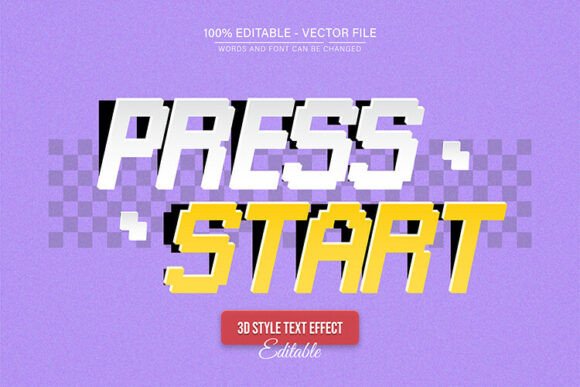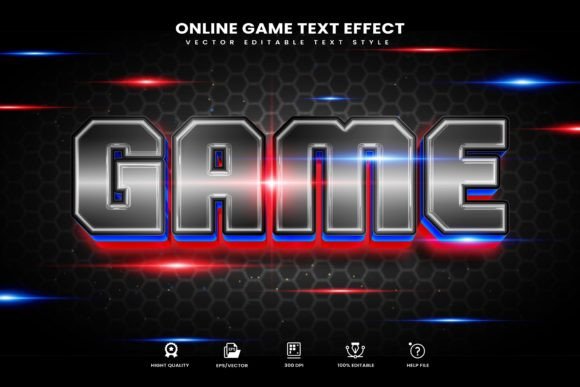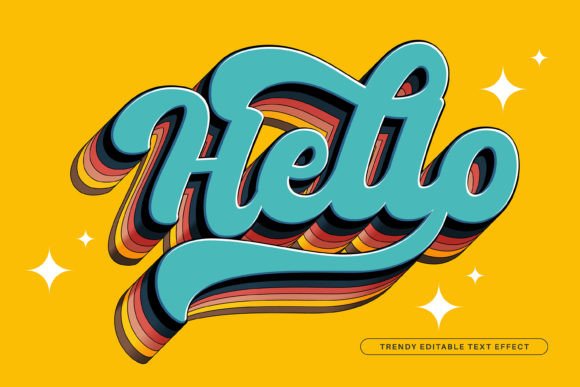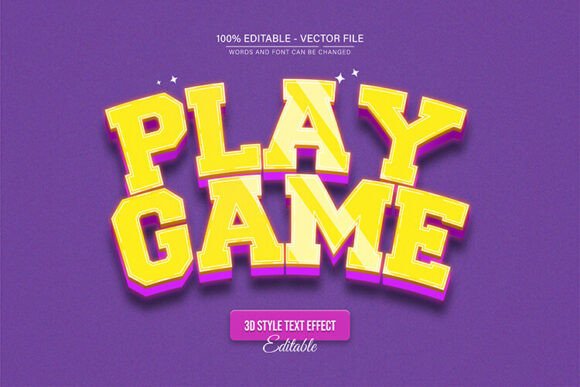
Bring Retro Arcade Vibes to Your Projects with 3D Neon Text
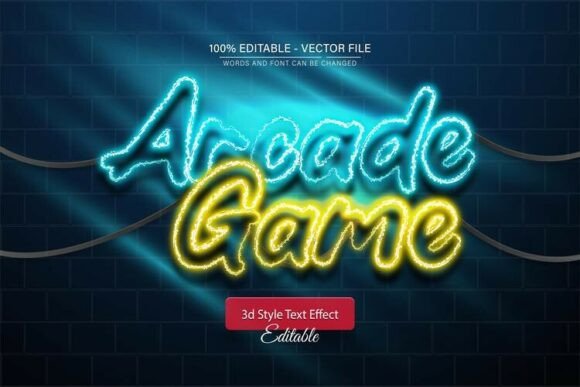
There’s a special kind of energy that comes from the glow of a neon sign, especially when it’s buzzing above the doorway of a classic arcade. It’s nostalgic, exciting, and impossible to ignore. Now, you can capture that exact feeling in your digital and print designs without needing a single wire or gas tube. The Arcade Game Neon Sign 3D Text Effect is a fully editable vector design asset that brings that vibrant, retro-futuristic aesthetic directly into Adobe Illustrator. This isn’t just a static image; it’s a dynamic tool built for creators who need both style and flexibility, allowing you to scale your designs to any size without losing a pixel of quality.
What makes this particular text effect so compelling is its layered visual depth. It’s not just flat, glowing letters. The 3D aspect provides a tangible, physical presence, as if the sign is popping right off the screen or page. This immediately elevates a design from a simple graphic to a focal point. For anyone working in branding, marketing, or content creation, this kind of visual hook is invaluable. It communicates a specific mood—playful, energetic, nostalgic, and modern—all at once. Whether you’re designing a logo for a new gaming cafe, creating eye-catching social media posts, or developing packaging for a retro-themed product, this effect delivers a professional presentation that grabs attention.
Practical Applications for Every Creative Project
The true value of a design asset like the Arcade Game Neon Sign 3D Text Effect lies in its versatility. As a designer, I’ve seen clients in vastly different industries benefit from this style. A craft brewery might use it for a limited-edition can label to evoke a fun, casual vibe. A podcast about 80s culture could use it for their episode thumbnails and merchandise. The key is that it’s a creative font solution that works across multiple touchpoints, ensuring your brand identity feels cohesive and memorable.
Let’s break down where you can put this to use. For branding and logo design, it creates an instant identity for businesses that want to appear energetic and approachable. In packaging design, it helps products stand out on a crowded shelf, especially for items targeting a younger demographic or those with a nostalgic appeal. For social media graphics, it’s a game-changer. Posts with bold, glowing text have higher stop-the-scroll power, driving better engagement on platforms like Instagram and TikTok. It’s equally effective for website headers, blog featured images, and digital ads, where first impressions are critical.
Beyond digital, this vector text effect shines in print. Imagine event posters, flyers, or invitations for a launch party, gaming tournament, or themed event. The neon glow translates beautifully to high-quality print materials. For merchandise like t-shirts, stickers, or mugs, it offers a trendy, wearable design. Even in editorial layouts for magazines or newsletters, it can be used for pull quotes or section headers to add a burst of visual interest. The included EPS file ensures your designs remain crisp and editable, whether you’re working on a business card or a billboard.
Unlocking Full Creative Control in Adobe Illustrator
One of the most significant advantages of this package is that it’s a 100% editable vector. This means you are not locked into the original colors or text. The design is provided in both EPS and JPG formats, with the EPS file being your powerhouse for customization. The process is straightforward, designed for efficiency without requiring advanced skills. After opening the file in Adobe Illustrator CS or higher, simply select the Type Tool (shortcut: T), click on the existing text, and type your own message. The neon effect and 3D depth automatically apply to your new words.
This level of editability is crucial for maintaining visual consistency across your brand’s assets. You can adjust the color palette to match your existing brand guidelines—perhaps shifting from a classic blue and pink neon to a green and yellow scheme to fit a different campaign. Because it’s a vector, you can enlarge it for a trade show banner or reduce it for a favicon without any degradation in quality. This scalability ensures your brand looks sharp and professional at every size, which is a cornerstone of strong brand recognition.
When integrating this into your workflow, consider its role in your overall typography strategy. It functions best as a display font or headline typeface. Pairing it with a clean, simple sans serif font for body text creates a balanced and readable layout. Avoid using it for long paragraphs; its strength is in high-impact, short-form communication. Before finalizing, always test your font pairings to ensure the neon effect doesn’t overwhelm supporting text. The goal is to create a hierarchy where the headline draws the eye, and the body copy delivers the message clearly.
Smart Tips for Using a Neon-Style Display Font
While this text effect is incredibly fun to use, a strategic approach will yield the best results for your projects. First, consider your audience and project goal. The arcade neon style is perfect for entertainment, gaming, food and beverage, and youthful brands, but might not be the right fit for a law firm or a luxury wellness retreat. It’s a creative font with a strong personality, so ensure that personality aligns with the message you want to send.
Second, readability is paramount. Even the most stunning design fails if the audience can’t read the words. Test your final design at the intended viewing size. If it’s for a social media thumbnail viewed on a mobile phone, make sure the letters are distinct and not too intricate. The 3D effect should enhance, not obscure, the legibility of the text. Sometimes, simplifying the color variation to high-contrast combinations can improve clarity.
Finally, mind the licensing. The download includes font information for free fonts used in the preview, but it’s always your responsibility to verify the commercial licensing for any font you use in a project, especially for merchandise or client work. This asset is provided for broad creative use, but understanding the terms protects you and your business. By treating this text effect as a versatile component within your larger design toolkit—alongside other premium fonts and assets—you can build a distinctive and professional brand identity that truly stands out.