Level Up Your Party: The Gamer 7 Digital Invitation
There’s a unique kind of stress that comes with planning a birthday party for a gamer. You know the drill: the theme has to be spot-on, the vibe has to be authentic, and the invitation sets the entire tone. A generic, static card just doesn’t cut it when your guest of honor lives and breathes in a digital world of pixels, quests, and high scores. What you need is an invitation that feels like it was pulled straight from their favorite game lobby—something dynamic, exciting, and immediately engaging. This is where the power of a specialized digital template changes the game, transforming a simple announcement into an interactive experience.
More Than an Invite: A Digital Experience
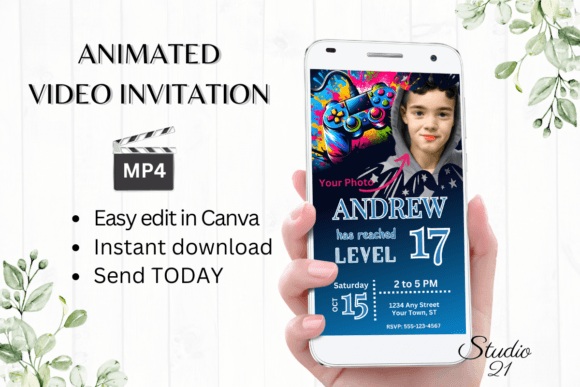
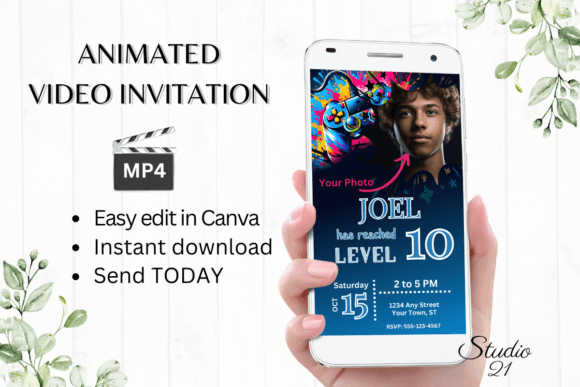
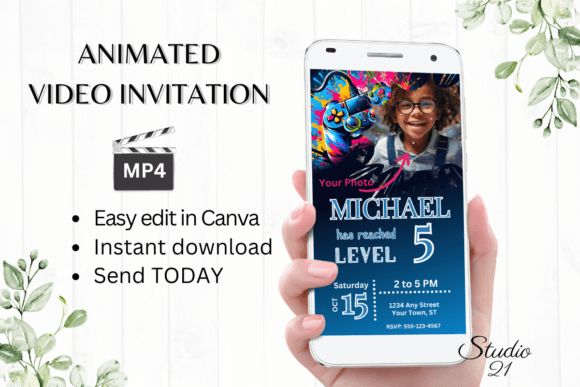
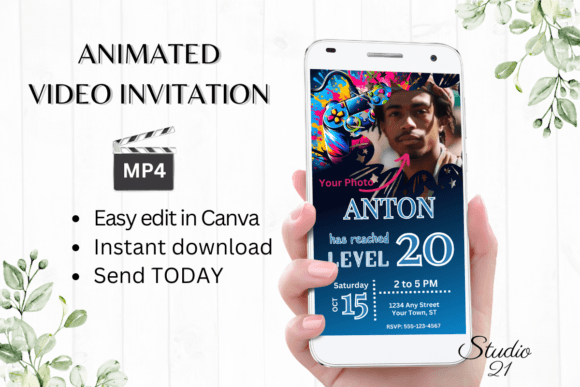
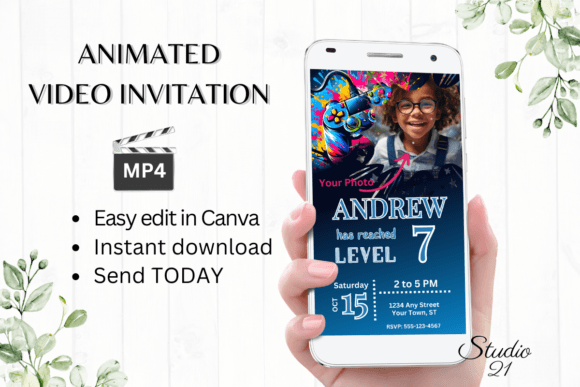
The Gamer 7 template isn't just a piece of paper you email. It’s a full-fledged, animated video invitation designed in a modern, edgy aesthetic that resonates with gaming culture. Think bold, neon-accented typography, dynamic motion graphics, and a layout that mimics a user interface or a character select screen. The visual appeal lies in its authenticity. It speaks the language of its audience, using familiar visual cues that immediately signal, "This party is going to be epic." The animation adds a layer of polish and excitement that a static PDF simply cannot match, making the invitation an event in itself.
From a practical standpoint, its utility is unmatched. The template is built for the modern host who values both quality and efficiency. You receive immediate access to edit within Canva, a platform most are already familiar with. There’s no intimidating software to learn, no fonts to hunt down and install, and no waiting days for a designer to send proofs. You log in, make it yours, and you’re done. This streamlined process respects your time, letting you focus on the actual party planning.
Practical Applications for the Modern Creator
While its primary function is clear, the design principles behind Gamer 7 offer a masterclass in effective visual communication for any creator or small business owner. The template’s structure is a fantastic case study in how to build a cohesive brand identity from a single asset. The color palette, font choices, and motion style work in concert to create a specific mood—energetic, tech-forward, and youthful. This is the same thinking you’d apply when developing a brand kit for a startup, a YouTube channel, or a streamer’s overlay package.
Consider the typography itself. The display font used is likely a premium, high-impact typeface perfect for logos, headers, and social media graphics where you need to grab attention instantly. Its bold, geometric forms ensure readability at a glance, crucial for everything from a mobile screen to a printed poster. This same font could anchor the visual identity of an indie game studio, a tech blog, or a line of merchandise. The accompanying sans-serif font used for details provides excellent contrast and legibility, a classic and effective font pairing strategy that balances flair with function.
The applications extend far beyond birthday parties. This style of digital invitation is ideal for:
- Brand Launches: Announce a new product, service, or website with a video that feels exclusive and cutting-edge.
- Event Marketing: Create buzz for a gaming tournament, a virtual meetup, or a live stream event.
- Social Media Content: The animated MP4 is perfect for Instagram Stories, Reels, TikTok, and Facebook posts, driving higher engagement than static images.
- Digital Product Packaging: Use the design language to create cohesive graphics for downloadable content, online course materials, or digital art packs.
Design Intelligence: Making It Work for You
The true value of a resource like Gamer 7 lies not just in its immediate use, but in the design intelligence it offers. When you open the template in Canva, you’re given a masterclass in layout and hierarchy. Notice how the text is arranged to guide the eye. The most critical information—likely the "what" and "when"—is given the most prominence through size, color, or animation. This is a fundamental principle of web design, editorial layout, and packaging design. You can study this hierarchy and apply it to your own marketing assets to improve clarity and audience engagement.
Here’s a piece of practical advice: use the template as a sandbox for experimentation. The instructions give you free rein to change fonts, colors, and animations. This is a low-stakes way to test font pairings and color combinations for a larger project. See how swapping the primary accent color affects the mood. Try replacing the display font with another from Canva’s library to see how it alters the personality. Does a more rounded, playful font work better for a different brand? Does a sharper, more technical font enhance the futuristic feel? This hands-on testing is invaluable for developing your own design instincts.
Furthermore, the template’s mobile-friendly editing capability is a huge boon. It acknowledges that creative work happens on the go. The ability to make basic edits from your smartphone means you can tweak text or swap an image while waiting in line or commuting, ensuring your workflow isn’t tethered to a desktop. This flexibility is essential for entrepreneurs, content creators, and hobbyists juggling multiple responsibilities.
Choosing Your Tools: Fonts, Pairings, and Licensing
A critical step in any design project is selecting the right typeface. The Gamer 7 template likely uses a combination that balances impact with readability. The primary font is almost certainly a display or modern serif typeface—something with strong visual weight and personality for headlines. The secondary font is a clean sans-serif, chosen for its legibility in smaller sizes and on screen. This is a tried-and-true pairing: one font for personality, one for clarity.
When you personalize the template, keep this balance in mind. If you change the headline font, ensure your new choice has a similar weight and presence. Don’t pair a very delicate, thin display font with a heavy, bold sans-serif unless you’re going for a specific, high-contrast effect. Readability is paramount. Test your final design on both a large computer monitor and a small phone screen to ensure all text, especially the critical party details, is easy to read.
Finally, a note on commercial licensing. The template is provided for personal use in creating an invitation. If you are a designer, small business, or content creator considering using this style of design as inspiration for client work or your own commercial projects, you must review the licensing terms of any assets you use. The fonts included in the Canva template are subject to Canva’s licensing agreements. For any commercial project, especially logos or merchandise, it is always safest to acquire a dedicated commercial license for the specific premium fonts you use, ensuring your brand identity is built on a legally sound foundation.
In the end, the Gamer 7 Digital Animated Video Invitation is more than just a party planner’s shortcut. It’s a versatile, well-designed asset that demonstrates how thoughtful typography, motion, and layout can create a powerful emotional response. It’s a tool that saves you time, teaches you design principles, and delivers a final product that will genuinely excite your guests. It’s the difference between sending an invite and launching a campaign. So go ahead, personalize it, send it out, and get ready for the RSVPs to flood in like a high-score leaderboard.